Basic
For small sessions with friends.
€6.99/month
cancel monthly
Choose plan
- Players (guide value)approx. 8
- RAM3 GB
- vCores1.5
- NVMe5 GB
- 2 backup slots
Halloween at Nexthosting: 10% off game servers with the code – until November 1
Rent your own Core Keeper server: You pay for hardware, not slots. Your friends join with the Game ID of your server – the server generates it itself and keeps it.
€9.99 /month · approx. 8 players
Start with AdvancedThis is how your players join: in the Join Game menu they enter the Game ID of your server. Your server generates it itself; it is shown in the console and in the file GameID.txt.
Every plan includes DDoS protection, the panel and hosting in Germany. The plans differ in hardware – we do not limit slots.
For small sessions with friends.
cancel monthly
For regular groups and weekly sessions.
cancel monthly
13th-generation Intel processorDDR4 memoryNVMe SSDData center in GermanyAvailability as set out in the Service Level Agreement
With monthly billing you can cancel monthly. Up to 15% cheaper when you pay in advance. Final prices, no setup fee. Player numbers are guide values.
Real screenshots from the game server panel. Everything runs in the browser – no FTP program and no SSH.
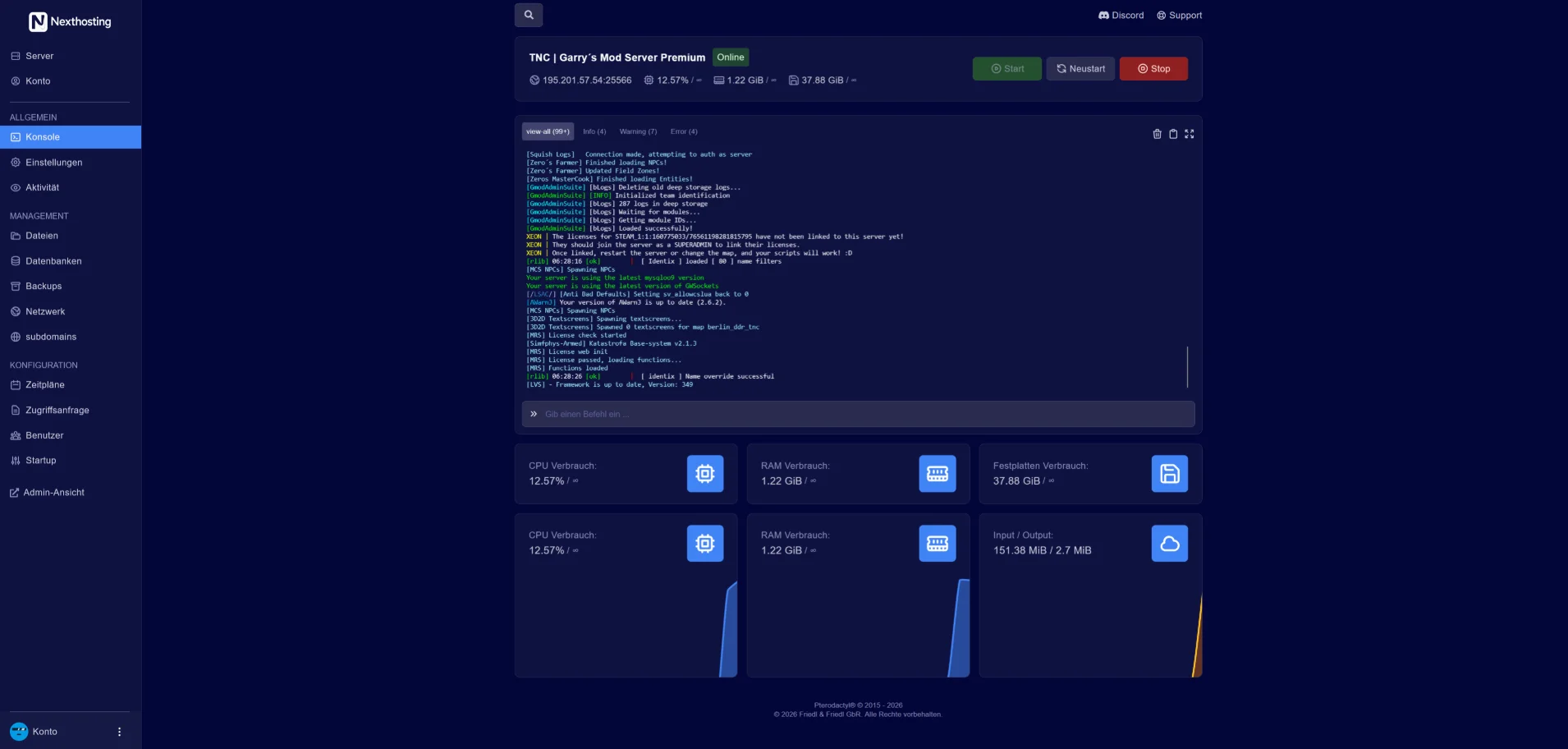
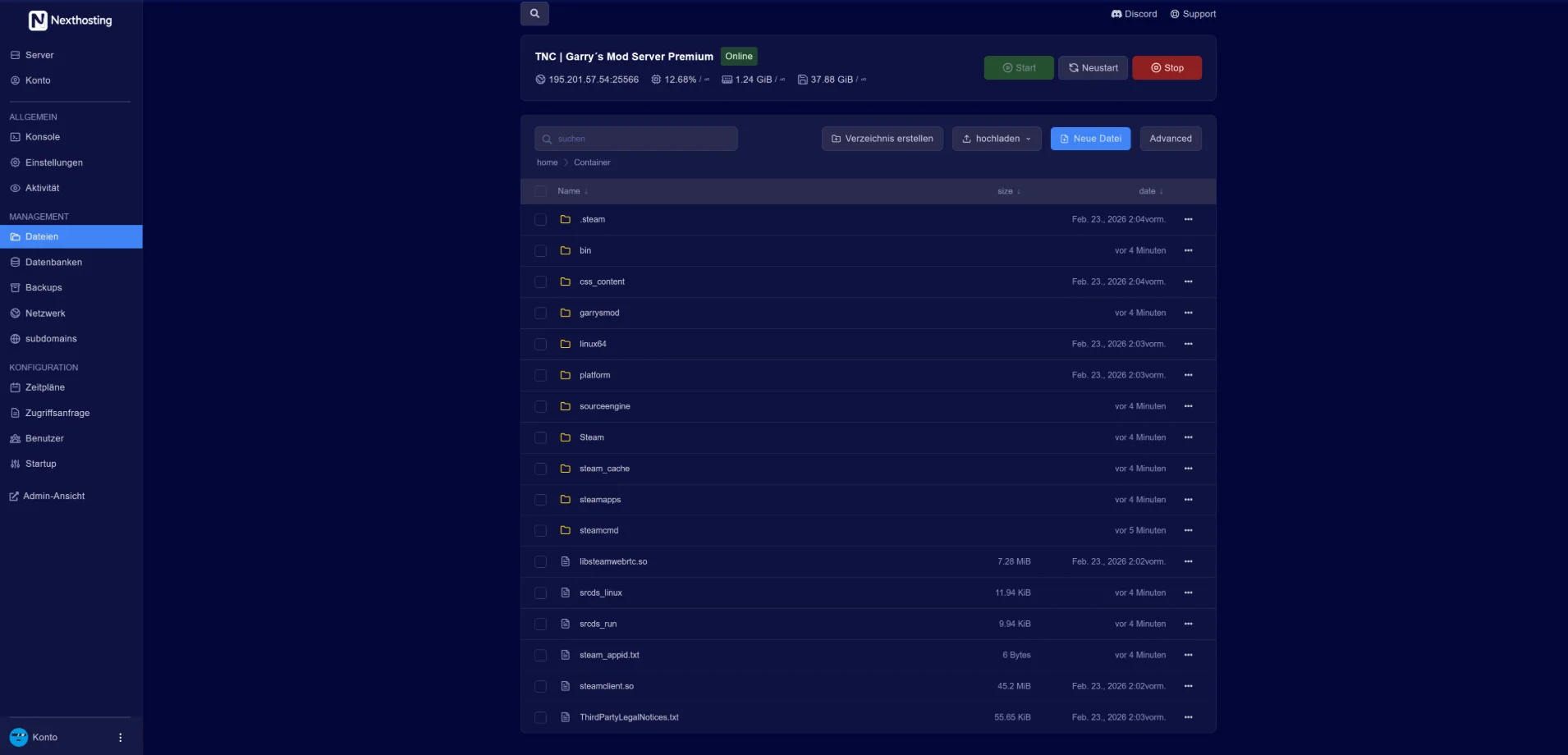
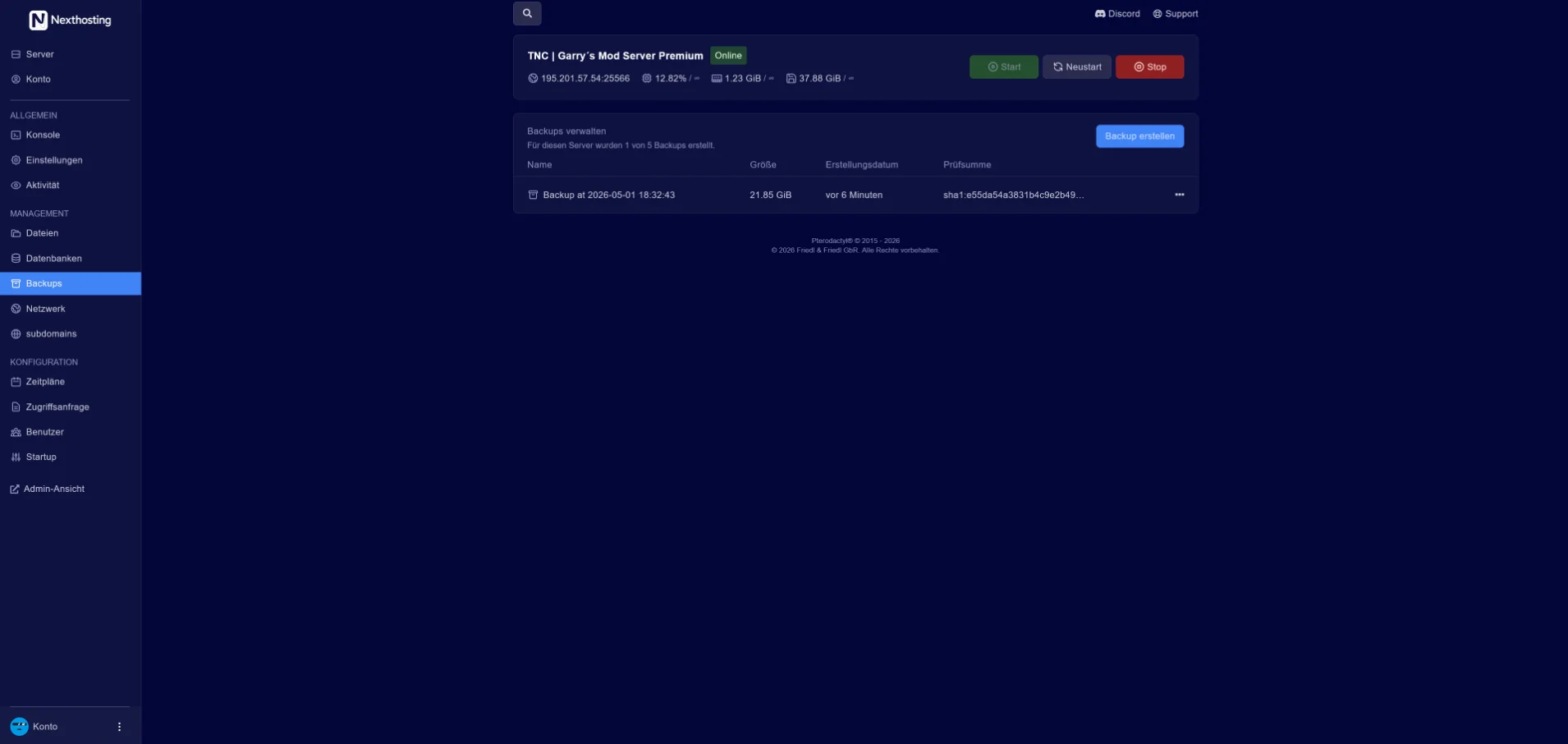
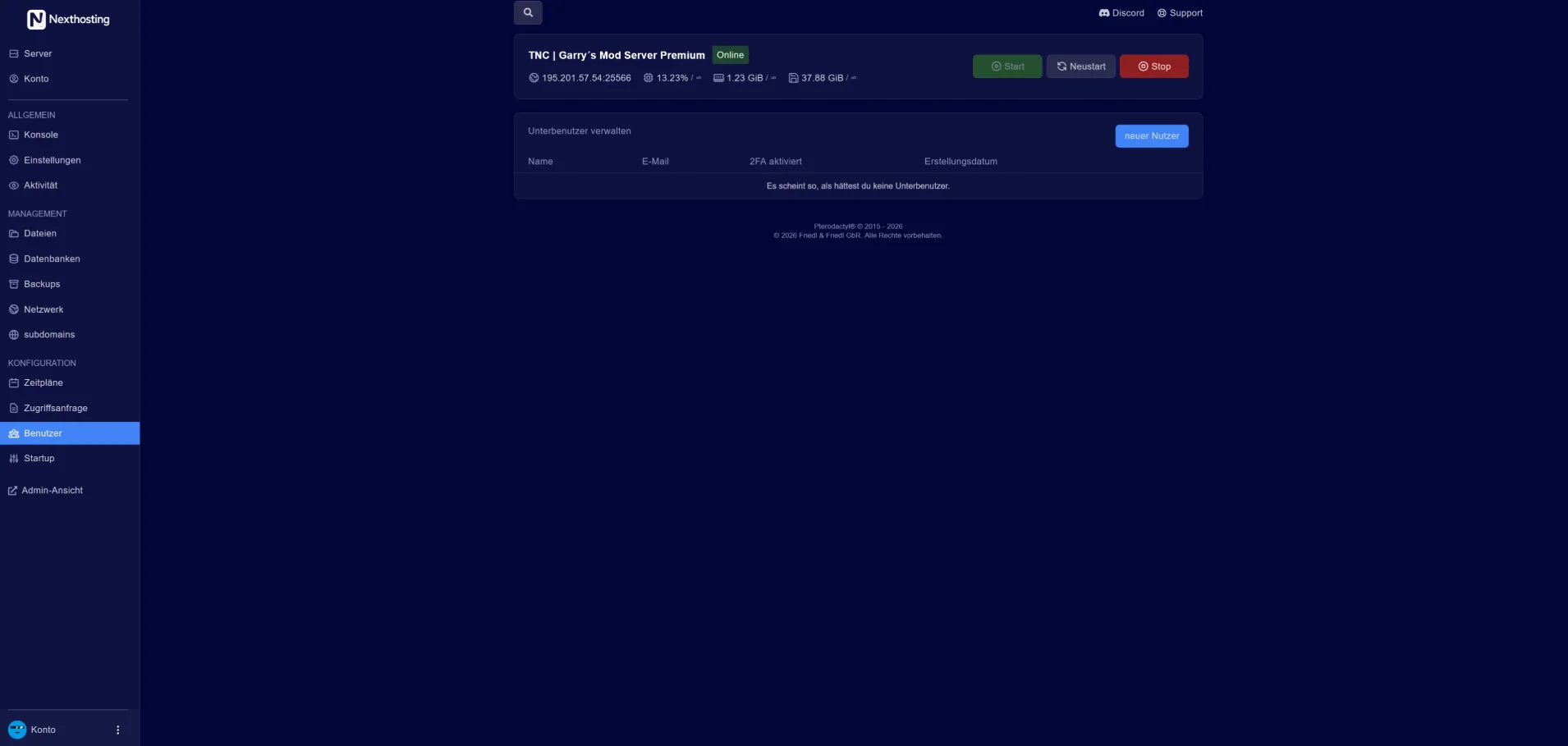
Screenshot from the Nexthosting panel (example server). Arrow keys switch between the areas.
All of this is in the panel under “Startup settings”. Admins are appointed in the pause menu of the game; that is also where they ban players.
Your friends join with the Game ID of your server. You pass it on to everyone who should play.
The menu remembers servers you have played on before.
NH_GAME_ID – and in the file GameID.txt.Nexthosting Schutz
Every game server at Nexthosting is protected against DDoS attacks at no extra cost. With a dedicated IP address, your server gets a filter all to itself – and you get the panel where you watch every attack bounce off.
All quiet. Blue means your players. They walk through the gate – that is your server's port.
Example, no real data

Moving example from the protection panel: small squares run towards a wall. Blue squares – the players – pass through the gate to the server, during an attack too. Sand-coloured squares – the attack – get stuck at the wall.
Senders that open connections in bulk are locked out automatically while an attack is running. You lift any lock with one click.
Existing connections are never cut. Regulars – anyone who has spent a while on your server – get in straight away, even in the middle of an attack.

The map shows the traffic to your server, country by country. Block a country with one click – or allow only the ones you choose. If you like, the protection blocks attacking countries by itself while an attack is running.

Course, waves and senders, minute by minute – as a PDF and as a table. One click reports the attack to Nexthosting: an urgent notice at once, followed by a full report as a PDF. On request with a confirmation you can hand to the police or other authorities.

Three protection levels – and if you like, the protection tightens by itself when an attack starts. You are told by e-mail and Discord as soon as an attack begins and when it is over. Plus: a test of the protection at the push of a button, co-managers for your community's admins, and traffic per port.
You pick the dedicated IP address as an add-on while ordering. Server location: a data centre in Germany.
Your players can see for themselves whether the server is up and how full it is right now.
Included with every game server at no extra charge, you switch it on in the panel. Player count and map are available for games with a server query, online or offline is always shown.
Example: a Discord channel shows the status message of a server with 12 of 50 players, ping, uptime and address. Below it is a forum post whose signature contains the status banner of the same server. Both show the same player count.
Costs, setup, player numbers and cancellation – answered briefly.
From €6.99 per month (Basic plan). The largest plan, Advanced, costs €9.99 per month. The plans differ in memory, cores and storage. These are final prices, and there is no setup fee.
After payment, your server sets itself up. You open the panel straight from your customer account.
In the Join Game menu: they enter the Game ID of your server in the Game ID field. The Game ID is shown in the console of your server after it starts. The menu remembers servers your friends have played on before.
The Game ID is the identifier players use to join your server. Your server generates it itself: after the start it is shown in the console – in the line NH_GAME_ID – and in the file GameID.txt. You pass it on to everyone who should play.
The Game ID stays the same across restarts. As an admin you can generate a new one in the game; you set one of your own in the startup settings.
According to the developer, yes: with a direct connection, PC players on Steam, Epic Games, GOG and the Microsoft Store play on the same server. To allow this, switch on “Direct Connection” in the startup settings. Your server then also accepts connections by address, port and password – the address and port are in your panel, and you set the password under “Direct Connection Password”.
With a direct connection your server takes about a minute and a half longer to start.
We do not limit slots – you pay for hardware. The player numbers on the plans are guide values; how many your server really handles depends on your world. The developer designed Core Keeper for 1 to 8 players. You can enter more in the startup settings, but the developer warns that this needs more resources and can make the session unstable.
Yes. You can upgrade at any time; the change takes effect immediately and the difference is charged pro rata. Downgrades take effect at the end of the term. You can also add just RAM, cores or storage. Your data stays in place.
Yes. You book your own IP address as an add-on to your server. With it, you get up to 100 ports of your choice and the protection panel.
Yes, in every plan. Backup slots: Basic 2, Advanced 3. Back up with one click or set up your own schedule in the panel; restoring also takes one click.
In a data center in Germany. What applies to availability is set out in the Service Level Agreement.
Yes. With monthly billing you can cancel your server monthly. Paying in advance makes it up to 15% cheaper; the chosen term then applies. If you only need a break, you can pause the server – then you pay only for keeping your data.
