Basic
Small vanilla servers with friends.
cancel monthly
- Playersapprox. 1–10
- RAM4 GB
- vCores2
- NVMe20 GB
- 2 backup slots
- 2 port forwards
- 1 database
- Plugin installer (Modrinth, SpigotMC)
2 more features
- Scheduled restarts
- Custom domain supported
Halloween at Nexthosting: 10% off game servers with the code – until November 1
You pay for hardware, not slots. Install Paper, Fabric, Forge or Vanilla with one click – and your friends connect through your own address.
€15.99 /month · approx. 1–20 players
Start with Advancedsurvival-with-friends.nexthosting.appThis is how your server appears to your players. You set the name and subdomain in the panel after ordering.
All plans include DDoS protection, panel access and a location in Germany.
Small vanilla servers with friends.
cancel monthly
Growing communities.
cancel monthly
Mid-sized servers with mods or plugins.
cancel monthly
Large communities of up to about 100 players.
cancel monthly
Choose RAM, vCores and storage freely. The price is based on your configuration.
Intel Core i5-13500 · 14 coresDDR4NVMe SSDData centre in Germany99.9% availability as a monthly average under the SLA
With monthly billing, you can cancel monthly. Upgrades are available at any time and billed pro rata; downgrades take effect at the end of the term. Player counts are estimates and depend on mods and the world.
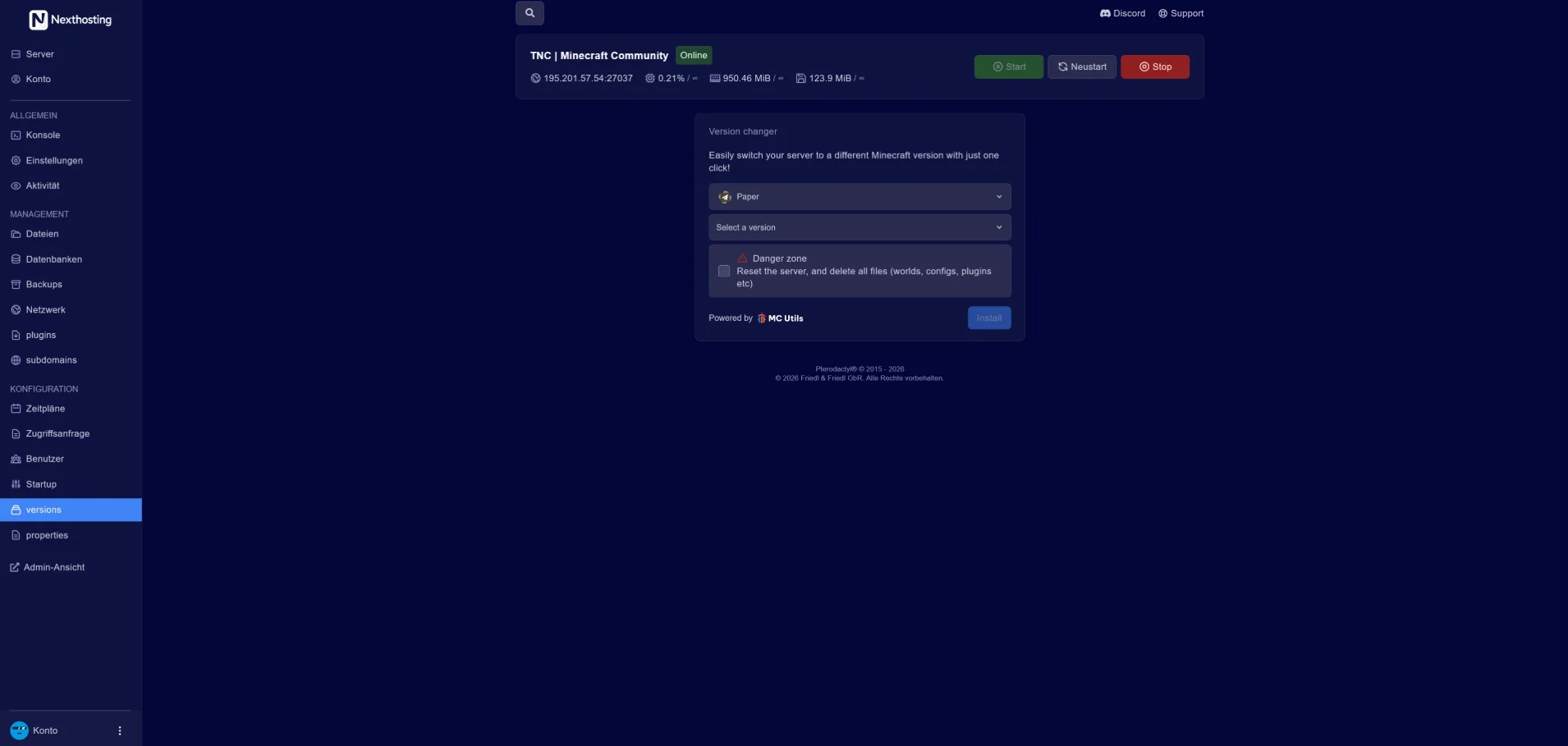
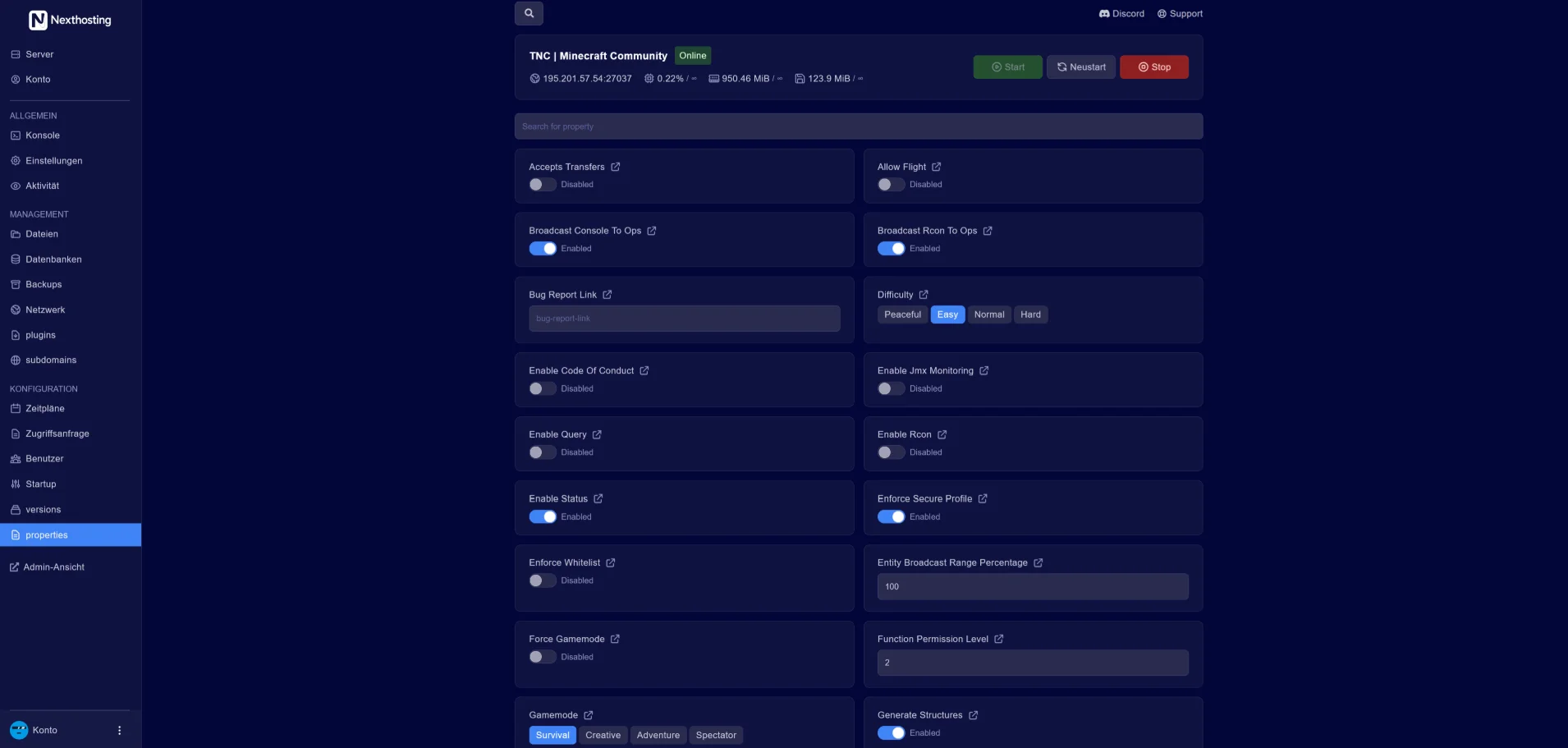
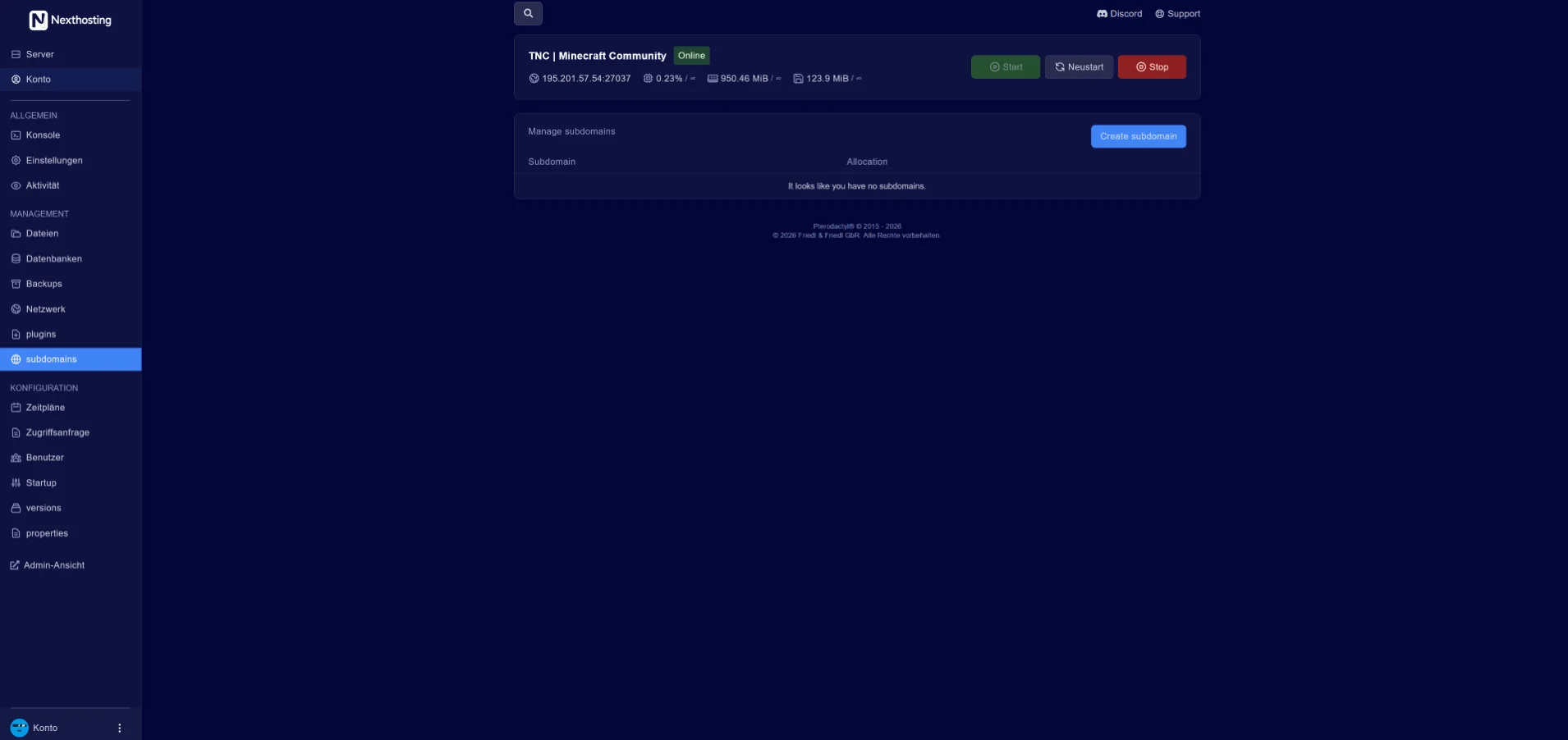
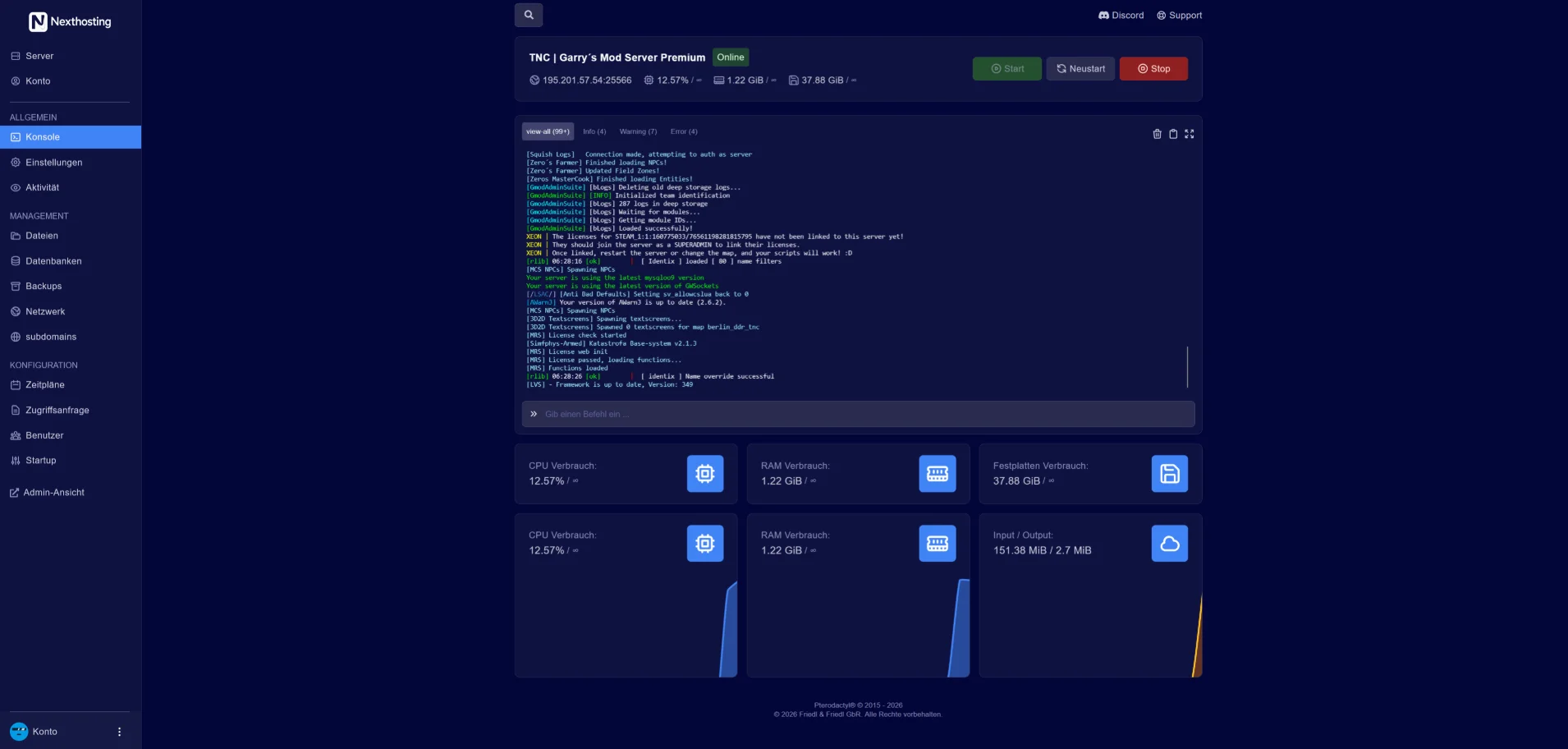
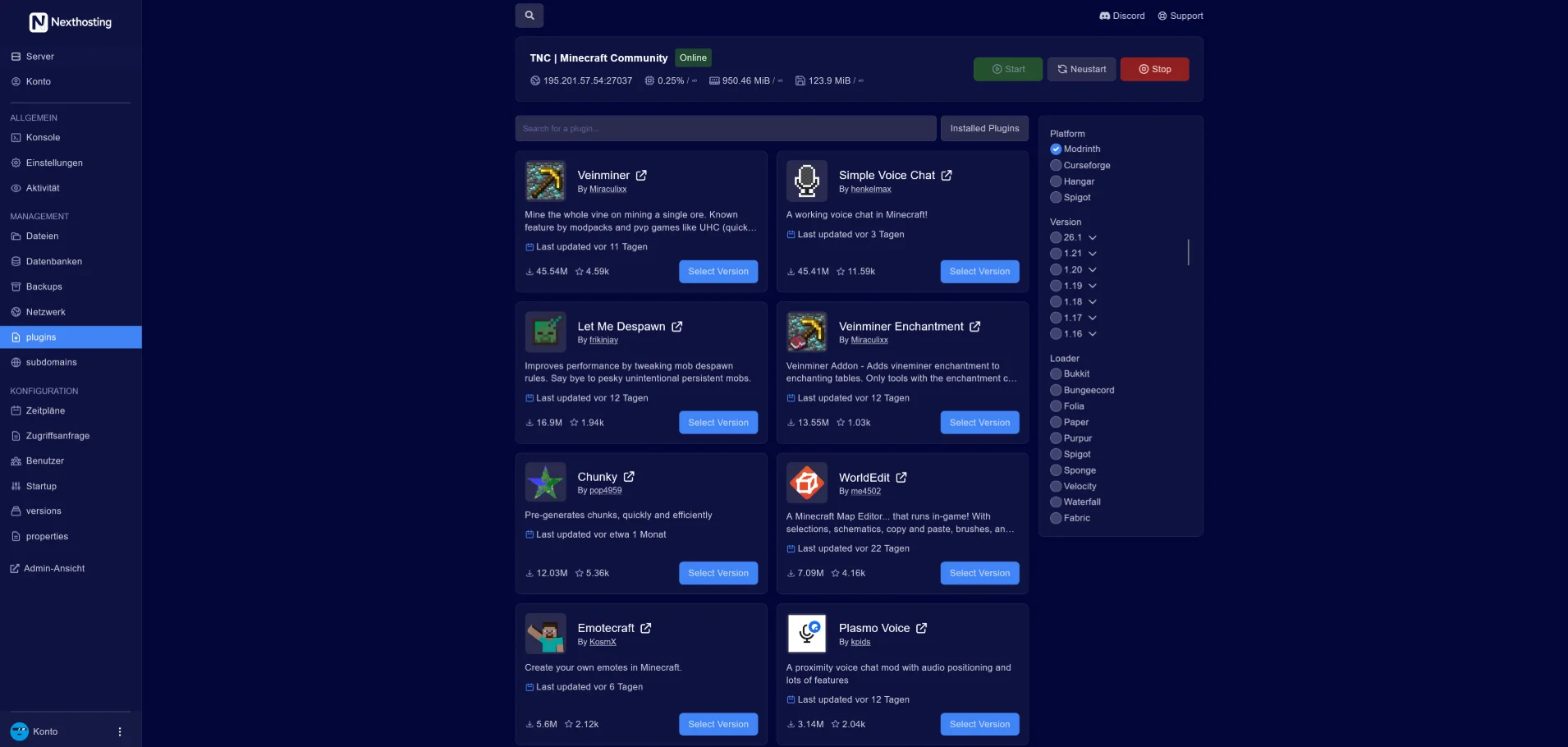
Real screenshots from the game server panel. Everything runs in your browser – no FTP client and no SSH required.


Screenshot from the Nexthosting panel. Use the arrow keys to switch between sections.
You edit configuration files such as server.properties directly in the panel or via SFTP.
Every server gets a free subdomain under .nexthosting.app. You connect your own domain with an SRV record – you can try both out here in advance.
You enter the name yourself in the panel after ordering and can change it at any time.
The check is a DNS lookup via Cloudflare. No record means the name is probably available.
The generator creates the SRV record that lets players connect via play.your-domain.com – without a port.
| Type | SRV |
|---|---|
| Name | _minecraft._tcp.your-domain.com |
| Priority · Weight | 0 · 5 |
| Port | 25565 |
| Target | mc123.nexthosting.app. |
Nexthosting Schutz
Every game server at Nexthosting is protected against DDoS attacks at no extra cost. With a dedicated IP address, your server gets a filter all to itself – and you get the panel where you watch every attack bounce off.
All quiet. Blue means your players. They walk through the gate – that is your server's port.
Example, no real data
Moving example from the protection panel: small squares run towards a wall. Blue squares – the players – pass through the gate to the server, during an attack too. Sand-coloured squares – the attack – get stuck at the wall.
Senders that open connections in bulk are locked out automatically while an attack is running. You lift any lock with one click.
Existing connections are never cut. Regulars – anyone who has spent a while on your server – get in straight away, even in the middle of an attack.

The map shows the traffic to your server, country by country. Block a country with one click – or allow only the ones you choose. If you like, the protection blocks attacking countries by itself while an attack is running.

Course, waves and senders, minute by minute – as a PDF and as a table. One click reports the attack to Nexthosting: an urgent notice at once, followed by a full report as a PDF. On request with a confirmation you can hand to the police or other authorities.

Three protection levels – and if you like, the protection tightens by itself when an attack starts. You are told by e-mail and Discord as soon as an attack begins and when it is over. Plus: a test of the protection at the push of a button, co-managers for your community's admins, and traffic per port.
You pick the dedicated IP address as an add-on while ordering. Server location: a data centre in Germany.
Public reviews – you can find more on independent platforms.
“I rented a Minecraft server from Nexthosting and I'm very satisfied. The installation was quick and uncomplicated, and so was the payment. The server ran stably throughout without any problems. Overall a very pleasant experience.”
“My Minecraft server ran really well at Nexthosting. From payment to provisioning, everything worked quickly and without hassle. Performance was stable too, with no noticeable problems or lag. Overall I'm very satisfied and can recommend Nexthosting.”
Your players can see for themselves whether the server is up and how full it is right now.
Included with every game server at no extra charge, you switch it on in the panel. Player count and map are available for games with a server query, online or offline is always shown.
Example: a Discord channel shows the status message of a server with 12 of 50 players, ping, uptime and address. Below it is a forum post whose signature contains the status banner of the same server. Both show the same player count.
Everything you need to know about your Minecraft server.
After payment your server sets itself up – usually within a few minutes. You open the panel straight from your customer account.
Yes. Upgrades are possible at any time and take effect immediately; the difference is billed pro rata. Downgrades are possible at the end of the term. Your world is preserved.
All Java versions from 1.8 onward, including snapshots. You switch the version in the panel; back up your world with one click beforehand.
You install server types such as Forge, Fabric, Paper or Spigot with one click in the panel. You set up modpacks from CurseForge and Modrinth right there as well.
Yes, in every plan: Basic has 2 backup slots, Advanced and Premium 5 each, Community 10. You back up with one click or set up a schedule yourself in the panel; you restore with a click.
As soon as you run several servers as a network or a large modpack with many players. You will find matching servers under dedicated servers for Minecraft.
With monthly billing, the plan can be canceled monthly. Longer terms, such as annual offers, are available as an additional option; in that case the agreed term applies.
Choose a plan and pay – your server sets itself up, usually within a few minutes.