Starter
Regular matches and smaller communities.
€8.99/month
cancel monthly
Choose plan
- RAM4 GB
- vCores2
- NVMe40 GB
- Ports2
- Unlimited player count
- FastDL / Workshop
- Free subdomain
Competitive, Wingman, Deathmatch or Practice: you set up configs, Workshop maps and plugins yourself – with full SFTP access to all server files.
€14.99 /month · 8 GB RAM
Start with Performance| Password | Name | Players | Map | Ping |
|---|---|---|---|---|
| Mirage Retakes | FrankfurtCompetitive | 0/10 | de_mirage |
connect your-ip:27015This is how your server appears in the community server browser. You set the map, player count and password further down in the config generator.
All plans include DDoS protection, panel access and a Frankfurt location. The performance is reserved exclusively for you.
Regular matches and smaller communities.
cancel monthly
More demanding setups with headroom.
cancel monthly
Put together your own RAM, CPU cores, storage and extras – including a dedicated IP and a flexible term.
Intel Core i5-13500 · 14 coresDDR4 ECCNVMe SSDFrankfurt am Main · Tier III+99,9 % uptime SLA
With monthly billing, you can cancel monthly. Upgrades are available at any time and billed pro rata; downgrades take effect at the end of the term.
Real screenshots from the game server panel. Everything runs in your browser – no FTP client and no SSH required.
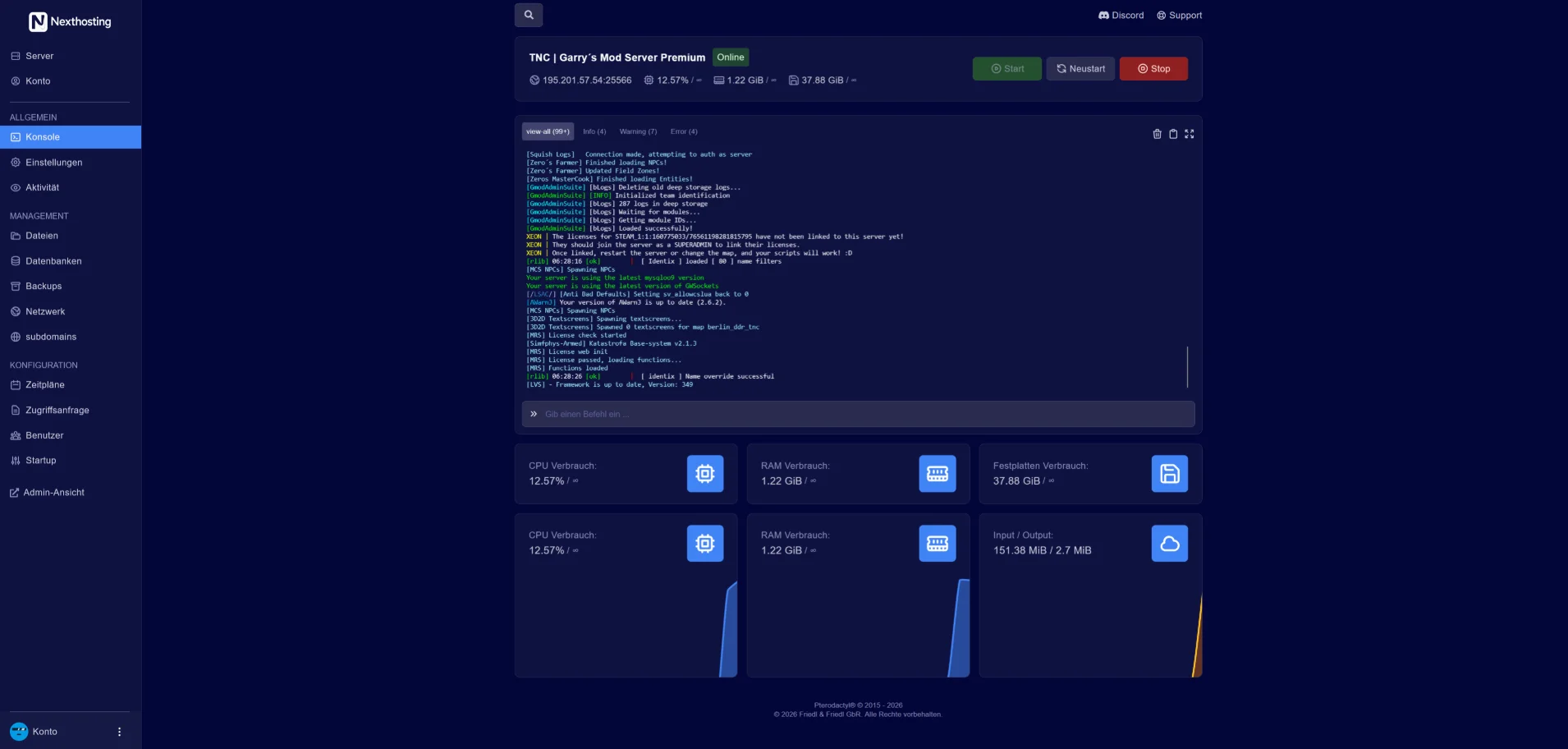
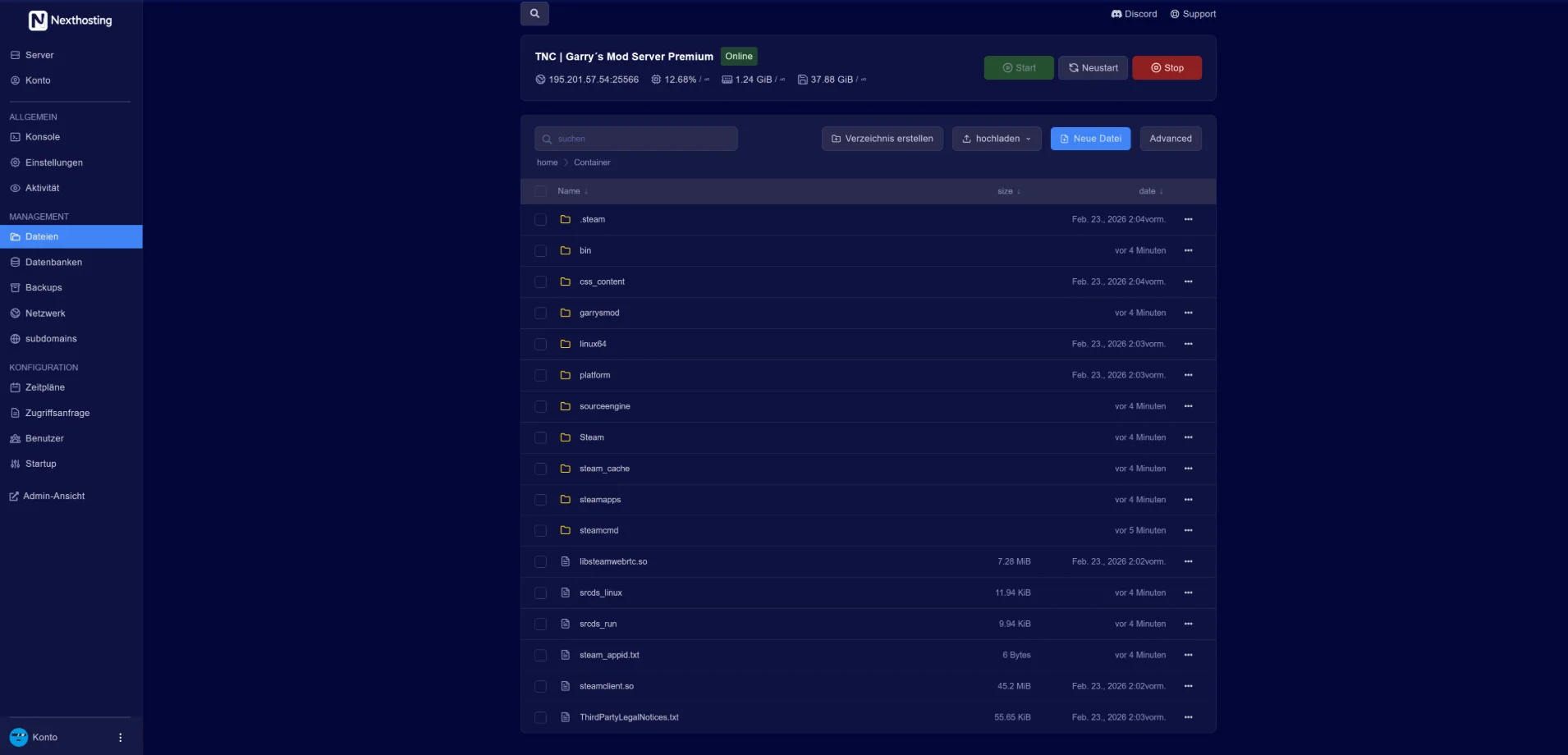
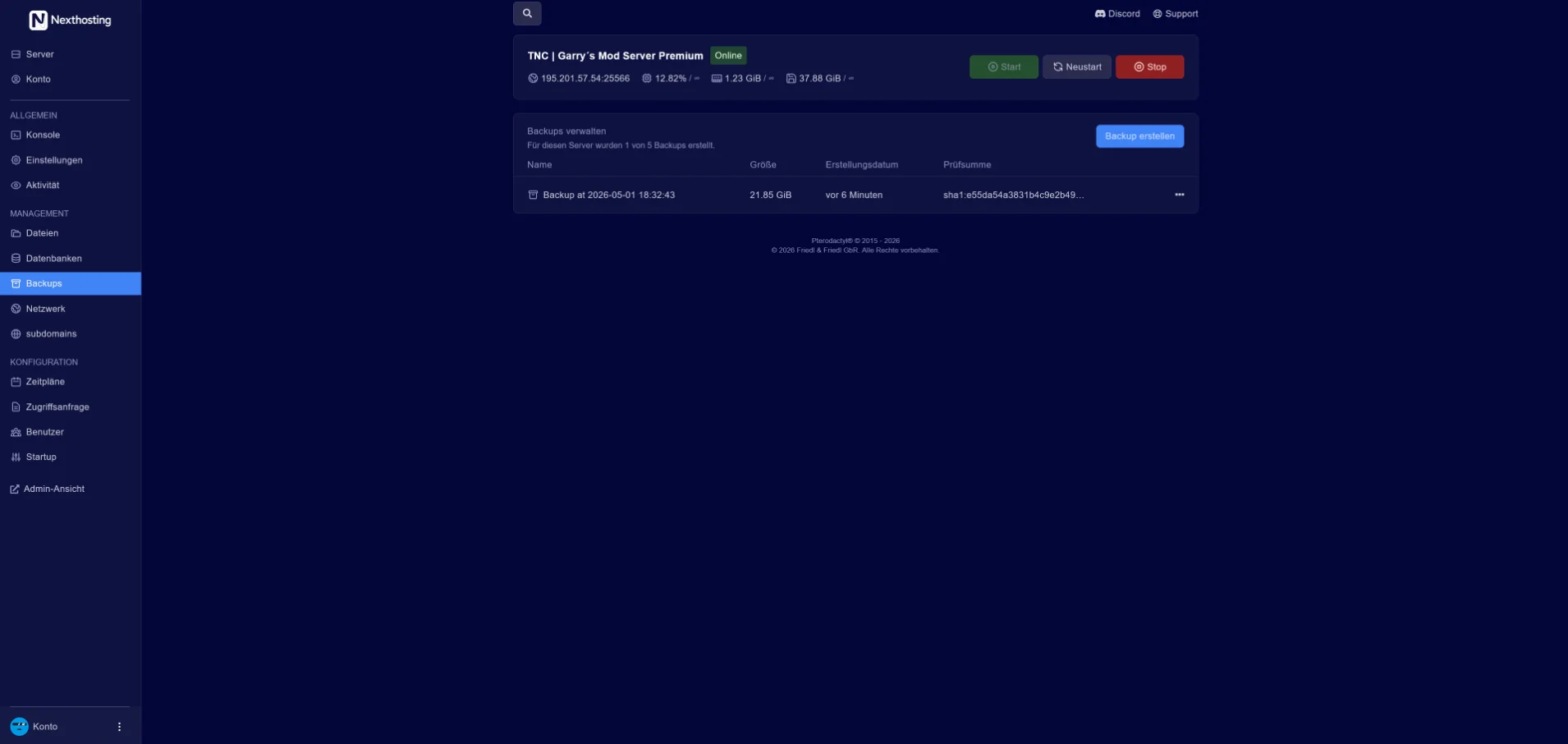
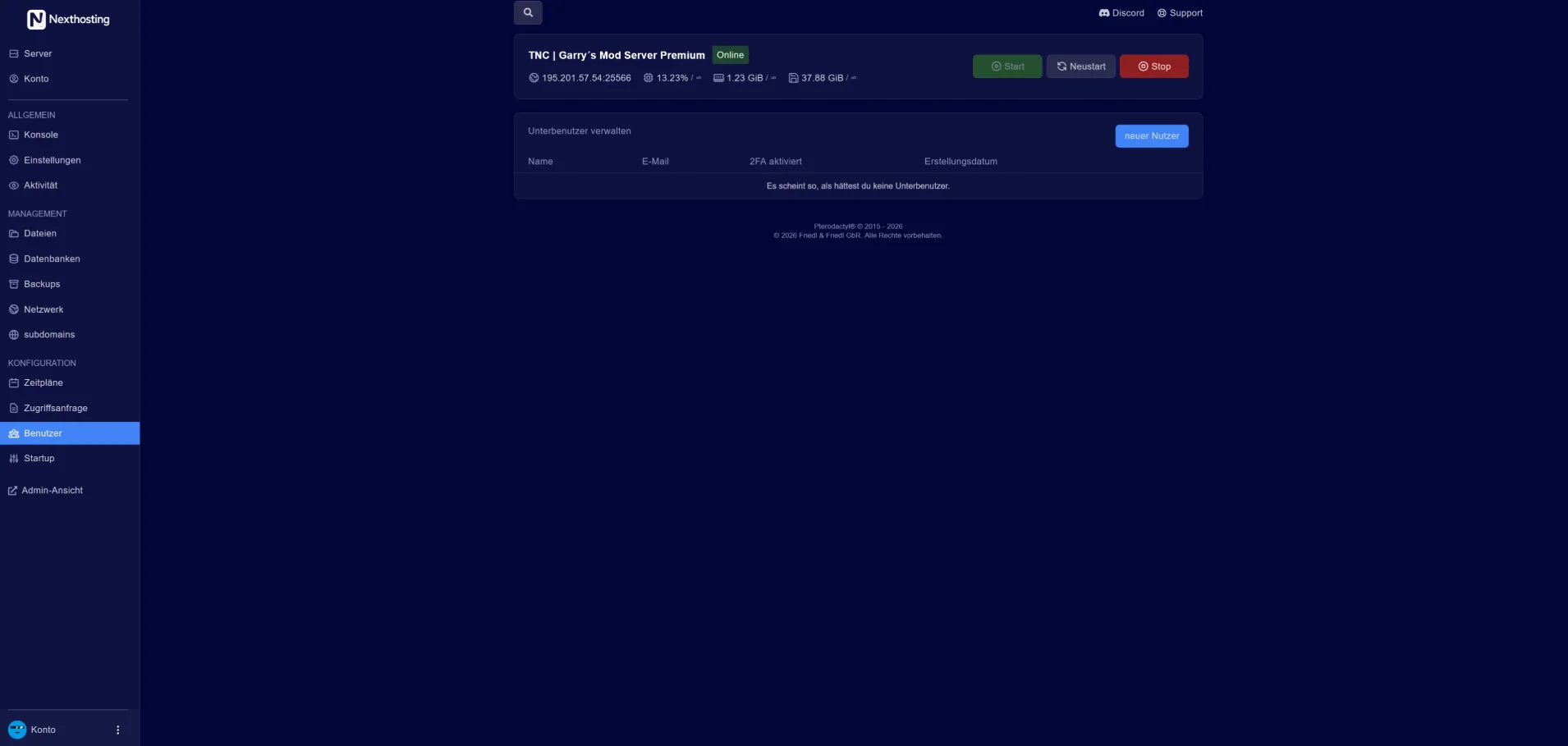
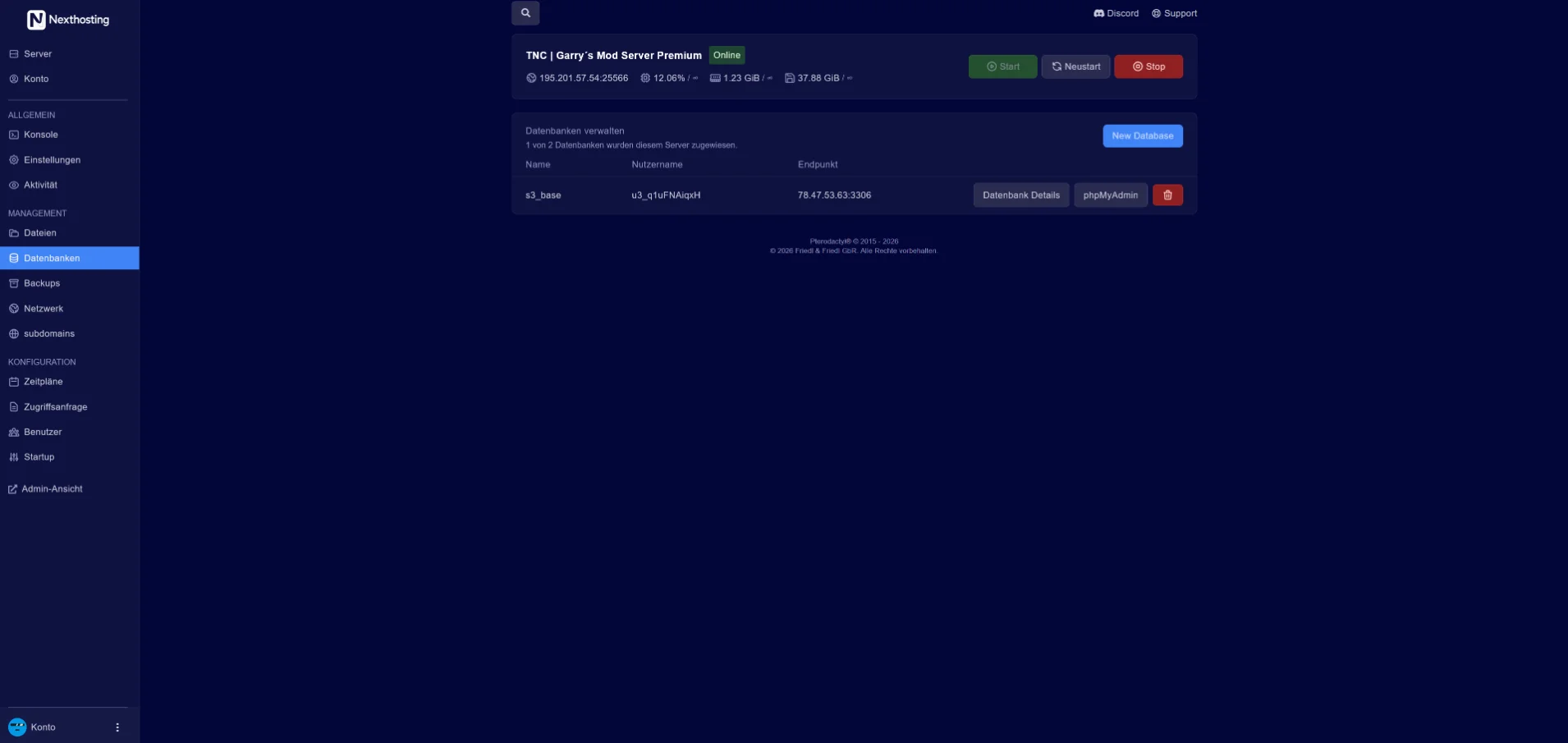
Screenshot from the Nexthosting panel. Use the arrow keys to switch between sections.
You switch game modes via config in seconds. You add Workshop maps using the Steam Workshop ID.
You enter the mode, map and player count in the panel under “Startup”, and the name and password in server.cfg. For Practice there is a separate config you can load on demand.
Launch parameters
game/csgo/cfg/server.cfg
game/csgo/cfg/practice.cfg
You create the Game Server Login Token (GSLT) for free on Steam using App ID 730.
Everything you need to know about your CS2 server.
CS2 uses Valve’s sub-tick system: the server runs at 64 tick, and movements and shots are calculated precisely in between. A higher tick rate can no longer be set in CS2.
Yes, for a publicly listed server. You create the token (GSLT) for free at steamcommunity.com/dev/managegameservers using App ID 730 and enter it in the panel.
Yes. MetaMod with CounterStrikeSharp comes preconfigured in the Performance plan; in the Starter plan you install plugins yourself via SFTP.
Slots are unlimited; you set the maximum via a launch parameter. For full community servers we recommend Performance or a custom configuration.
Automatic backups run in the Performance plan and can be restored in the panel.
With a click in the panel or via RCON. You set up scheduled restarts through the scheduler.
Yes. You add Workshop maps via the Workshop ID, and you upload custom configs (autoexec, server.cfg, map list) via SFTP or edit them in the file manager.
Choose a plan and pay – your server is set up automatically. You can upload your configs right after.