Privacy notice This website only uses technically necessary cookies. Statistics, marketing and external services are not loaded without JavaScript. Learn more in our Privacy Policy.

Halloween at Nexthosting: 10% off game servers with the code – until November 1

Rent a Hytale server

Adventure, PvP, Survival or Creative: your server runs in Germany, you manage worlds in the panel and you simply upload your own maps. Player slots are not limited.

Play style
Plan

€19.99 /month · unlimited players

Start with Advanced
  • Cancel monthly
  • DDoS protection included
  • Server in Germany
Invitation for your friends Preview
Nordwacht
Survival · Server in Germany
Address
nordwacht.nexthosting.app
Players
unlimited
Performance
9 GB RAM · 2 vCores
In gameAdd the server by address and join

This is what you send your friends: name, address and play style. You set the subdomain in the panel after ordering.

Plans

All plans include DDoS protection, panel access and a location in Germany.

Basic

Small worlds and first projects.

€14.99/month

cancel monthly

Choose plan
  • RAM7 GB
  • vCores1,5
  • NVMe30 GB
  • Playersunlimited
  • 2 backup slots
  • 2 port forwards
  • 1 database
  • Your own subdomain
Popular

Advanced

Growing servers.

€19.99/month

cancel monthly

Choose plan
  • RAM9 GB
  • vCores2
  • NVMe40 GB
  • Playersunlimited
  • 3 backup slots
  • 2 port forwards
  • 1 database
  • Your own subdomain

Premium

Large worlds and demanding setups.

€29.99/month

cancel monthly

Choose plan
  • RAM14 GB
  • vCores4
  • NVMe60 GB
  • Playersunlimited
  • 4 backup slots
  • 3 port forwards
  • 5 databases
  • Your own subdomain

Community

Maximum performance for communities.

€37.99/month

cancel monthly

Choose plan
  • RAM18 GB
  • vCores6
  • NVMe80 GB
  • Playersunlimited
  • 5 backup slots
  • 4 port forwards
  • 10 databases
  • Your own subdomain

Custom configuration

Your own RAM and CPU combination with flexible resources for individual Hytale projects.

RAM freely selectableFreely selectable CPU

Included in every plan

  • DDoS protectionIncluded with every server, at no extra charge. With a dedicated IP address: a filter of its own and the protection panel.
  • Unlimited playersHow many can play smoothly depends on RAM and the world.
  • Your own subdomainIn every plan, changeable at any time.
  • SFTP & file managerUpload worlds and mods, extract archives.
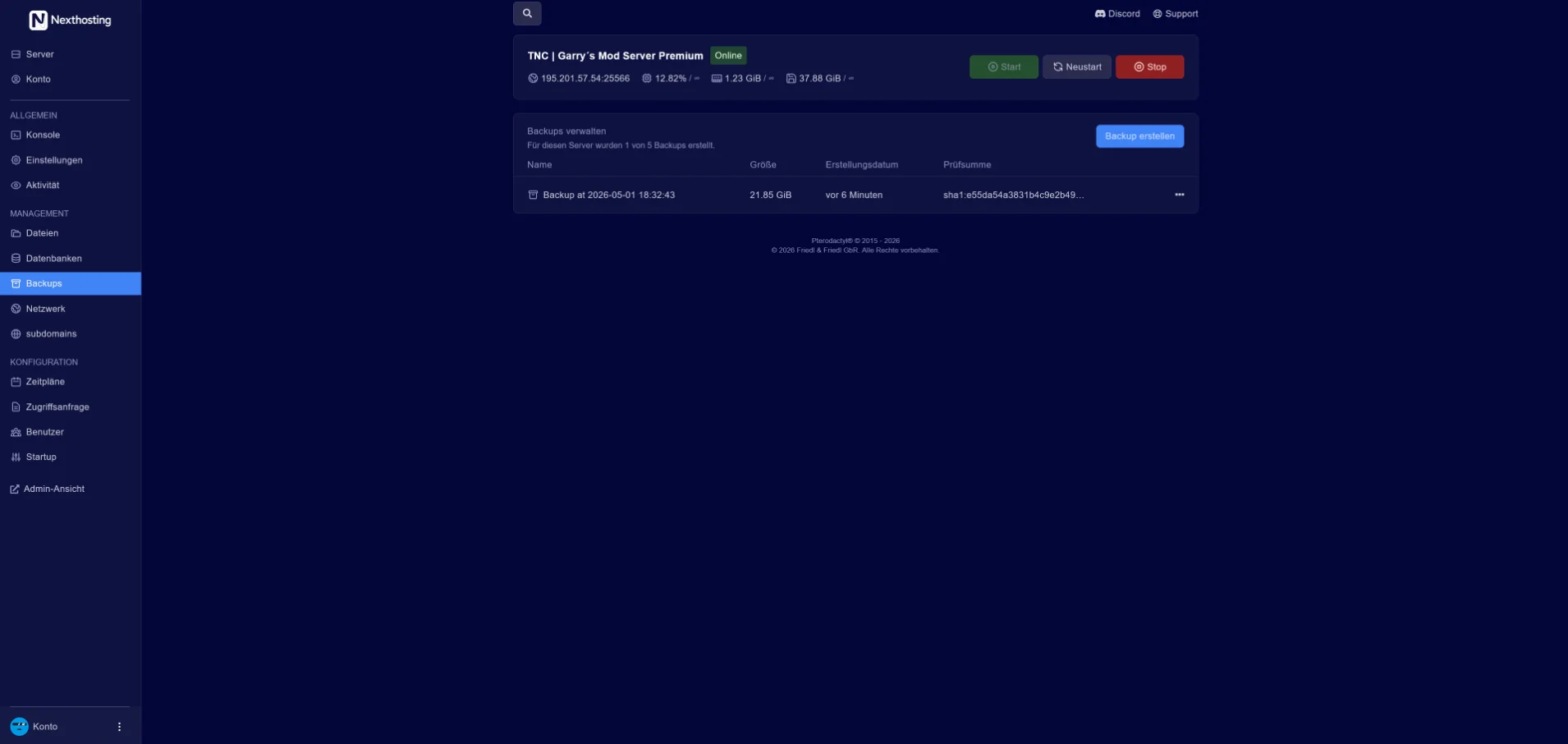
  • Backups2 to 5 backup slots, depending on the plan.
  • Personal supportMon–Fri 09:00–18:00, in German.

Intel Core i5-13500 · 14 coresDDR4NVMe SSDData centre in Germany99.9% availability as a monthly average under the SLA

With monthly billing, you can cancel monthly. Upgrades are available at any time and billed pro rata; downgrades take effect at the end of the term.

Panel and play styles

Real screenshots from the game server panel. Everything runs in your browser – no FTP client and no SSH required.
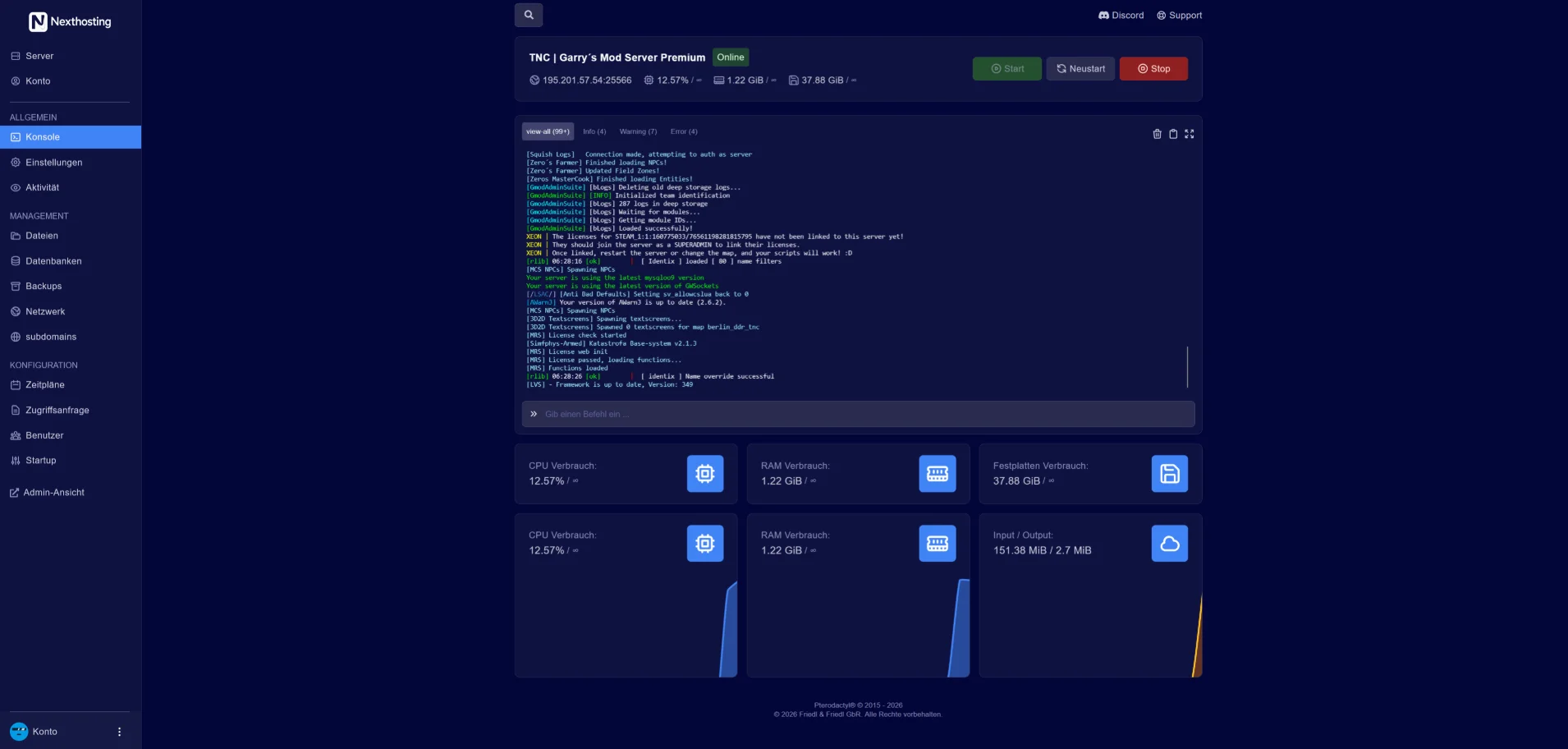
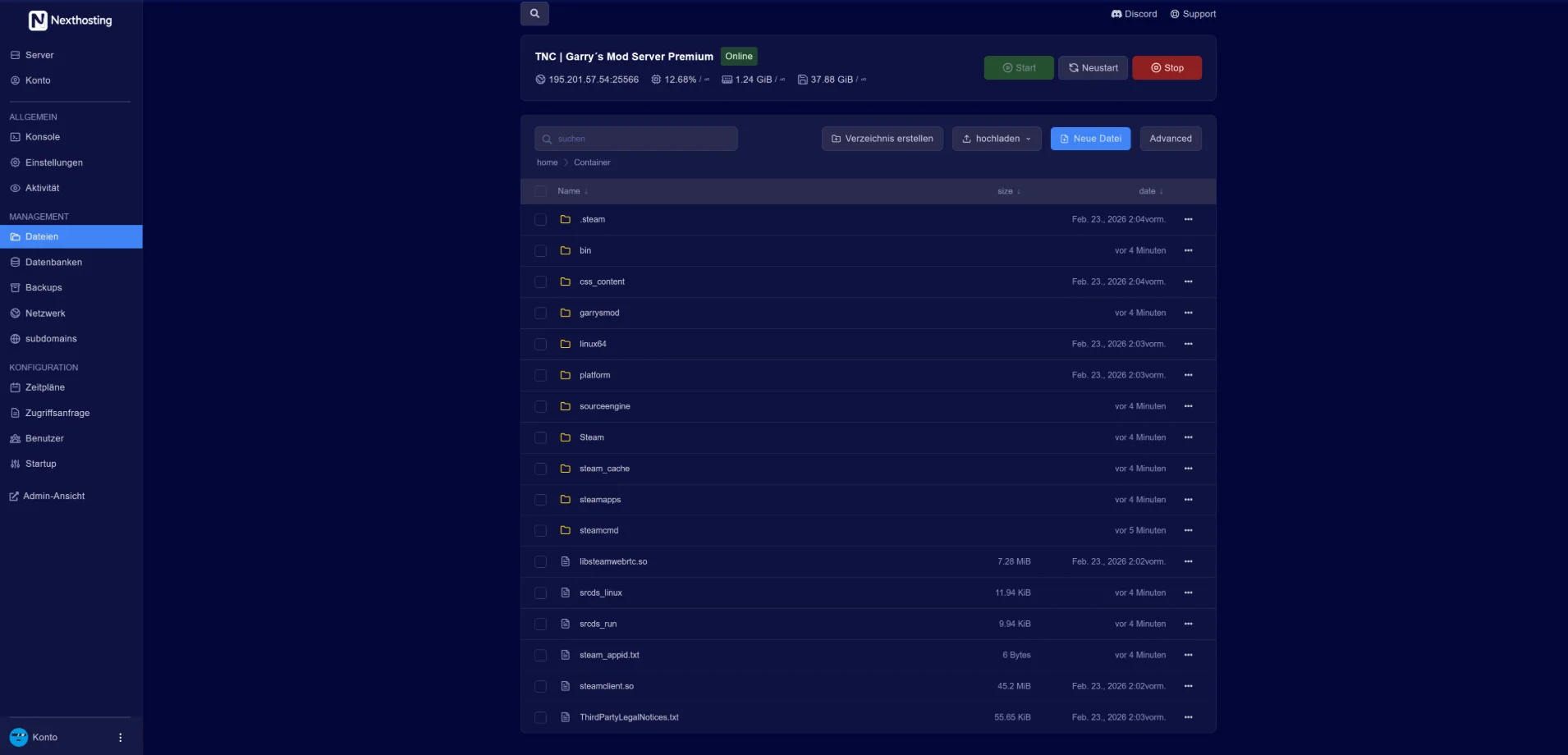
Game server panel: Console

Screenshot from the Nexthosting panel. Use the arrow keys to switch between sections.

Every play style on your server

You enable and configure game modes in the panel. You upload your own world data via SFTP or the file manager.

  • AdventureExplore worlds, take on quests
  • PvP arena1v1, teams and tournaments
  • SurvivalBuild, gather, survive
  • CreativeBuild without limits
  • RPG & factionsCharacters, land and strongholds
  • Mini-gamesParkour, Spleef, BedWars, SkyBlock

Address and your own world

Every server gets its own subdomain – you can check it here in advance. You can move an existing world over in just a few steps.

Check your preferred subdomain

You enter the name yourself in the panel after ordering and can change it at any time.

Examples:

The check is a DNS lookup via Cloudflare. No record means the name is probably available.

Bring your own world

In the panel's file manager, without any FTP client. It works the same way via SFTP.

  1. Stop the server – with one click in the panel.
  2. Upload the world – as a .zip or .tar.gz via drag & drop into the file manager.
  3. Extract the archive – right in the file manager, then move the world folder into place.
  4. Start the server – your world keeps running, even when nobody is online.

Want to create a backup first? You can do it in the panel with a click – or on a schedule you set up yourself.

Nexthosting Schutz

Players stay connected. Flooders get locked out.

Every game server at Nexthosting is protected against DDoS attacks at no extra cost. With a dedicated IP address, your server gets a filter all to itself – and you get the panel where you watch every attack bounce off.

All quiet. Blue means your players. They walk through the gate – that is your server's port.

Example, no real data

Arriving right now242
Turned away1
Let through238
packets per second

Moving example from the protection panel: small squares run towards a wall. Blue squares – the players – pass through the gate to the server, during an attack too. Sand-coloured squares – the attack – get stuck at the wall.

Sand stays outside

Senders that open connections in bulk are locked out automatically while an attack is running. You lift any lock with one click.

Blue keeps playing

Existing connections are never cut. Regulars – anyone who has spent a while on your server – get in straight away, even in the middle of an attack.

Your situation room

Protection panel, tab "Herkunft" (origin): world map with traffic by country, three blocked countries hatched in red, next to it the strongest countries of origin.

You see where it comes from

The map shows the traffic to your server, country by country. Block a country with one click – or allow only the ones you choose. If you like, the protection blocks attacking countries by itself while an attack is running.

Protection panel, page of one attack: "Vorbei. Der Angriff dauerte 22 minutes" (over, the attack lasted 22 minutes), below it the course – above the line what did not get through, below what was let through – and the attack in figures.

Every attack is put on record

Course, waves and senders, minute by minute – as a PDF and as a table. One click reports the attack to Nexthosting: an urgent notice at once, followed by a full report as a PDF. On request with a confirmation you can hand to the police or other authorities.

Protection panel, tab "Einstellungen" (settings): the three protection levels as pictures of the wall with gates of different width, below them the switches for what the protection does by itself during an attack.

You decide how strict

Three protection levels – and if you like, the protection tightens by itself when an attack starts. You are told by e-mail and Discord as soon as an attack begins and when it is over. Plus: a test of the protection at the push of a button, co-managers for your community's admins, and traffic per port.

What the protection costs

With every game server
The data centre's basic protection against DDoS attacks. At no extra cost.
With a dedicated IP address
A filter for your address alone, and the protection panel with it – for €3.79 a month plus a one-time setup fee of €4.99, with no further charge. Usually set up within a few minutes; you can also add it later.
Order a Hytale serverCompare plans

You pick the dedicated IP address as an add-on while ordering. Server location: a data centre in Germany.

Included for free: your server’s live status

Your players can see for themselves whether the server is up and how full it is right now.

In Discord
A message in your channel that updates itself: status, players, map and address. No bot needed.
On websites and forums
A banner as an image, for a signature for example. You copy the embed code in the panel.

Included with every game server at no extra charge, you switch it on in the panel. Player count and map are available for games with a server query, online or offline is always shown.

Example: a Discord channel shows the status message of a server with 12 of 50 players, ping, uptime and address. Below it is a forum post whose signature contains the status banner of the same server. Both show the same player count.

Frequently asked questions

Everything you need to know about your Hytale server.

Adventure, PvP arena, Survival, Creative, RPG worlds, mini-games, faction warfare and custom modes. You enable and configure them in the panel.

You can use the available mod tools and community mods and upload them via SFTP or the panel. As soon as new official modding interfaces are released, they can be integrated in the same way.

Slots are not limited – how many players can play smoothly depends on your plan's RAM and CPU and on the world.

Depending on your plan you have 2 to 5 backup slots. You back up with one click or set up a schedule yourself in the panel; you restore with a click as well.

Yes, via SFTP or directly in the panel's file manager. You can extract archives (.zip/.tar.gz) there.

Orbis awaits

Choose a plan and pay – your server is set up automatically and ready for your friends right after.