Add a GMod loading screen: sv_loadingurl step by step
In Garry's Mod, a custom loading screen is a web page that the server specifies while players connect. One line in the server.cfg is all it takes. Here's what it looks like, where it goes and what to do if it doesn't show up.
A free customer account is all you need. No web space, no code, no payment details.
// Loading screen from tools.nexthosting.app
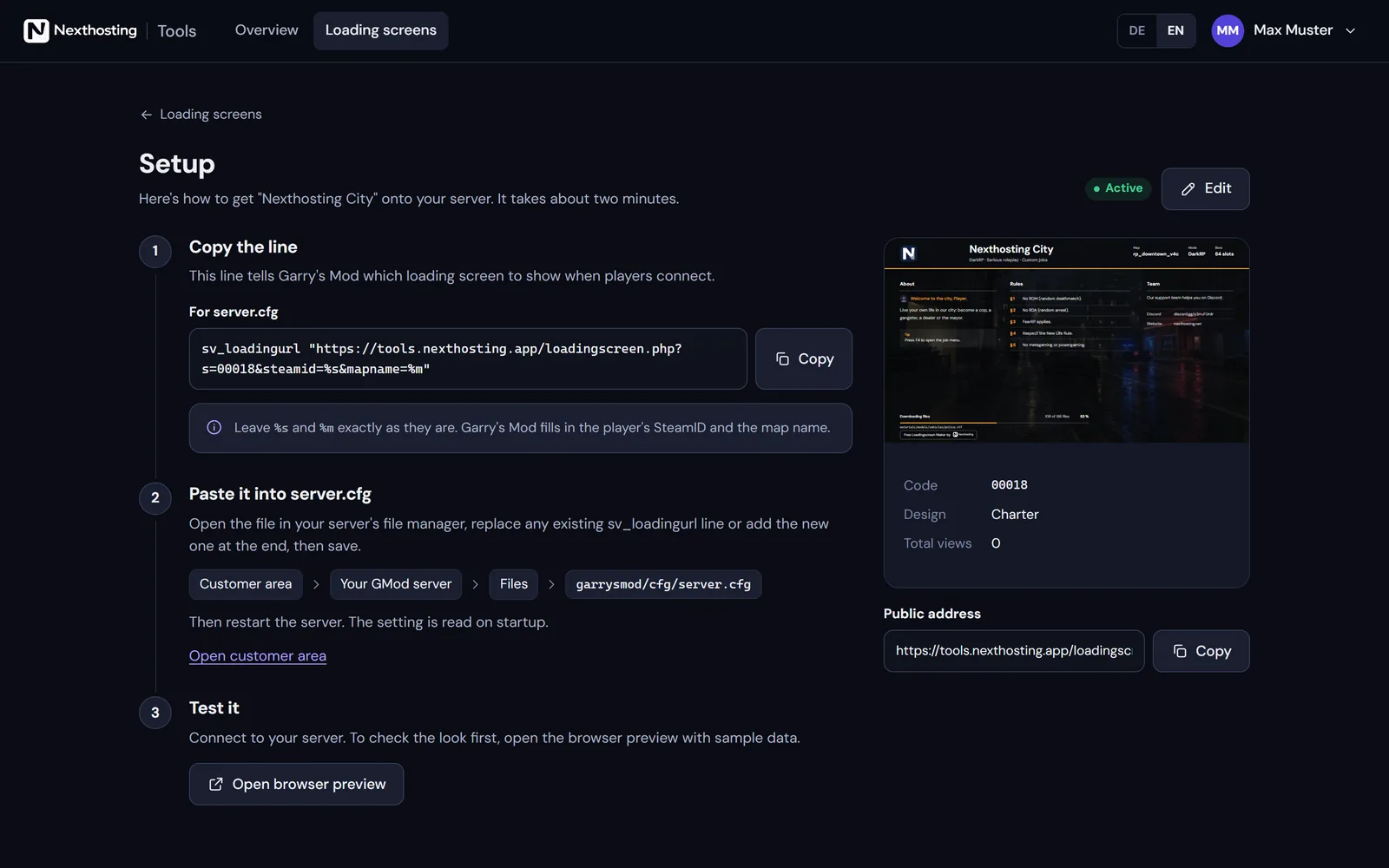
sv_loadingurl "https://tools.nexthosting.app/loadingscreen.php?s=00025&steamid=%s&mapname=%m"
The line
This line goes into your server's server.cfg. Replace the address with the one for your loading screen – the generator gives you the finished line.
What %s and %m mean
%s- Garry's Mod fills in the player's SteamID64 here. The screen uses it to show the Steam name and avatar.
%m- This holds the name of the map the player is connecting to, for example rp_downtown_v4c.
Leave both placeholders exactly as they are. Garry's Mod replaces them itself.
Where the server.cfg is
- The file is in your server's garrysmod/cfg/ folder. If it doesn't exist yet, create it there.
- If there is already a line with sv_loadingurl in it, replace it – only one counts.
- After saving, restart the server. The setting is read at startup.
On a Garry's Mod server from Nexthosting: customer area → your server → Files → garrysmod/cfg/server.cfg.
The loading screen doesn't show up?
Only one slot
Garry's Mod only shows custom loading screens on servers with more than one slot. In single-player or with maxplayers 1 you see the default screen.
cl_enable_loadingurl is off
Players can turn off custom loading screens with the console variable cl_enable_loadingurl 0. With cl_enable_loadingurl 1 they are back on.
Wrong or duplicate line
Check the quotation marks and that the address starts with https://. With two sv_loadingurl lines, the later one wins.
Server not restarted
The server.cfg is read at startup. Restart once after changing it.
Page loads too slowly
Until the page has loaded, Garry's Mod shows the default screen. Large background images slow that down – the generator shrinks uploaded images automatically.
What doesn't work on a loading screen
- Clicking: Garry's Mod disables the mouse on the loading screen. Links don't work – show addresses as text.
- Videos: the built-in engine (Chromium 86) doesn't play MP4. Music as MP3 or OGG works.
- The bottom-right corner: that's where Garry's Mod's loading window sits. Anything you place there gets covered.
How it gets onto your server
Three steps, none of them with code
-
Step 1
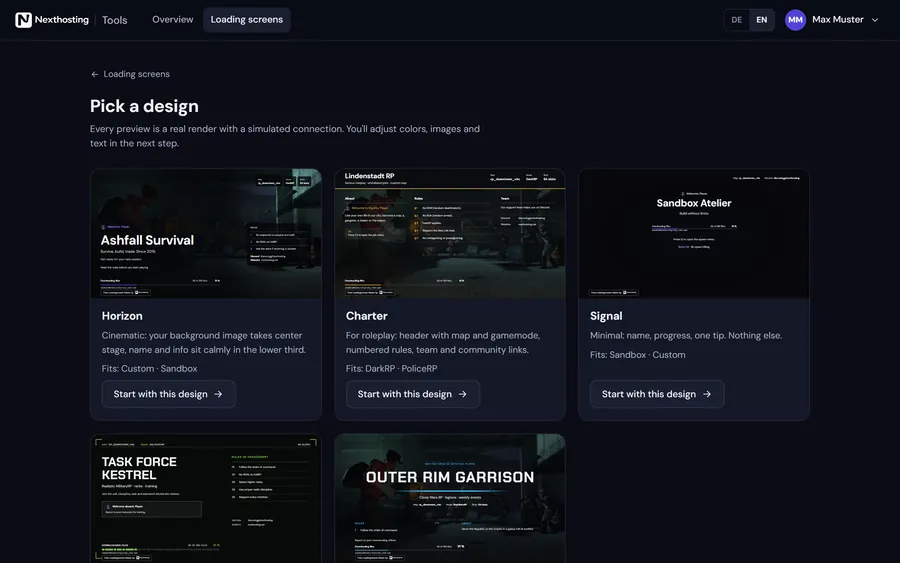
Choose a design
Sign in with your customer account and start with one of the five designs. The preview shows the real screen.
-
Step 2
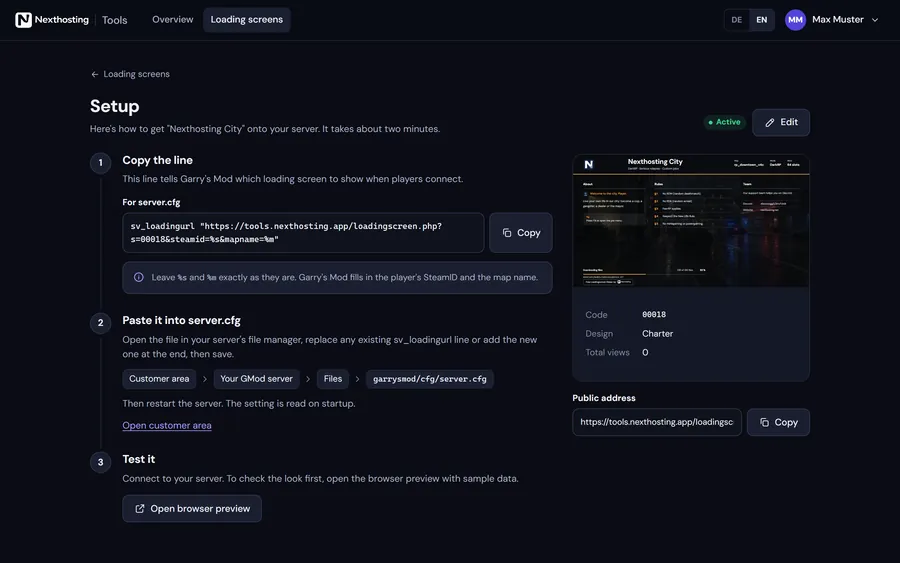
Copy the line
After saving you get the ready-made sv_loadingurl line – one click puts it on your clipboard.
-
Step 3
hostname "Nexthosting City" sv_allowdownload 1 sv_loadingurl "https://tools.nexthosting.app/ loadingscreen.php?s=00017 &steamid=%s&mapname=%m"Into the server.cfg
Paste the line, restart the server, done. Later changes in the editor go live instantly, no new line needed.
Frequently asked questions
Can I use any web page as a loading screen?
Technically yes, as long as the address starts with http. But it has to work in Garry's Mod's old engine and leave the bottom-right corner free – the generator takes care of both.
Do I have to re-enter the line after changing the screen?
No, if you use the generator. The address stays the same, only the content changes.
Does it also work on servers rented from other providers?
Yes, on any server where you can edit the server.cfg and restart the server.
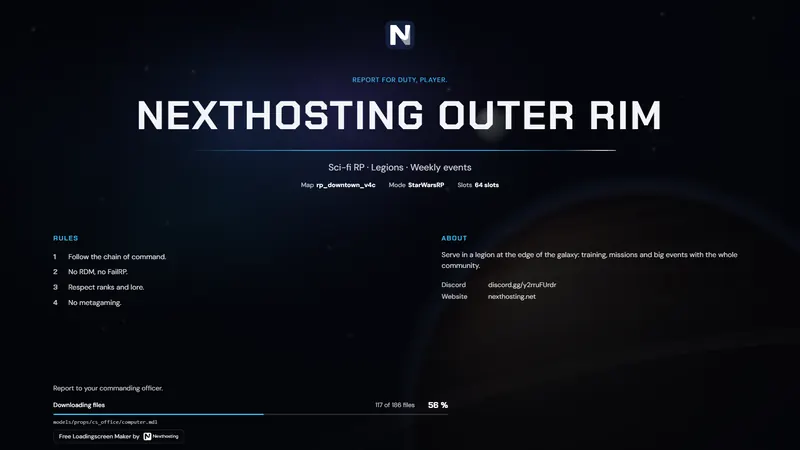
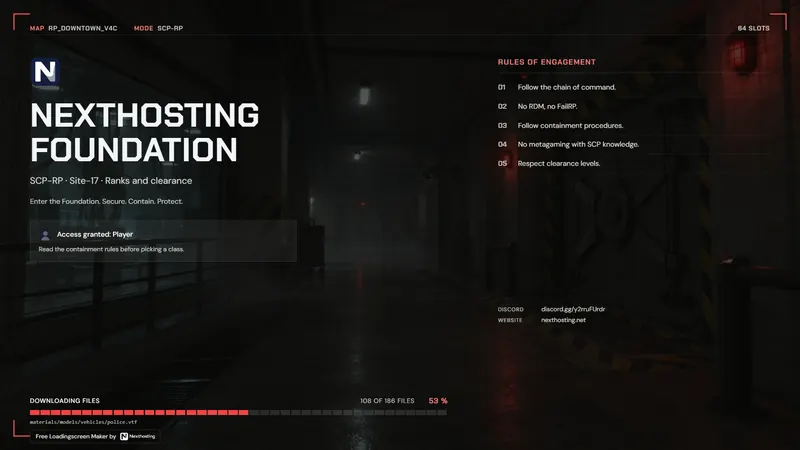
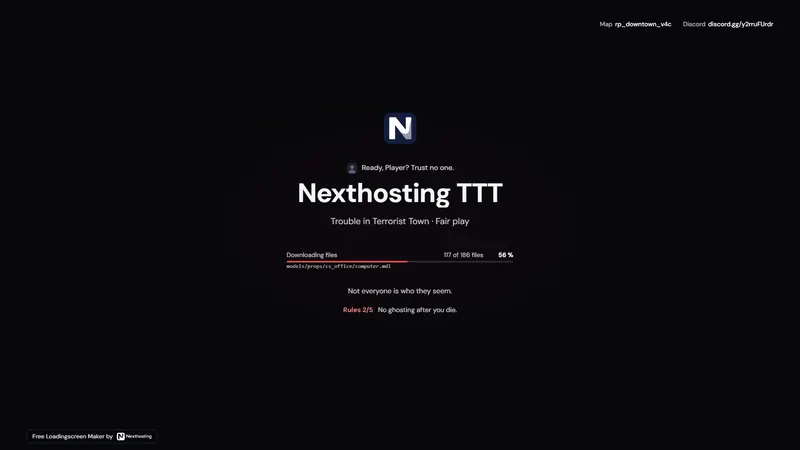
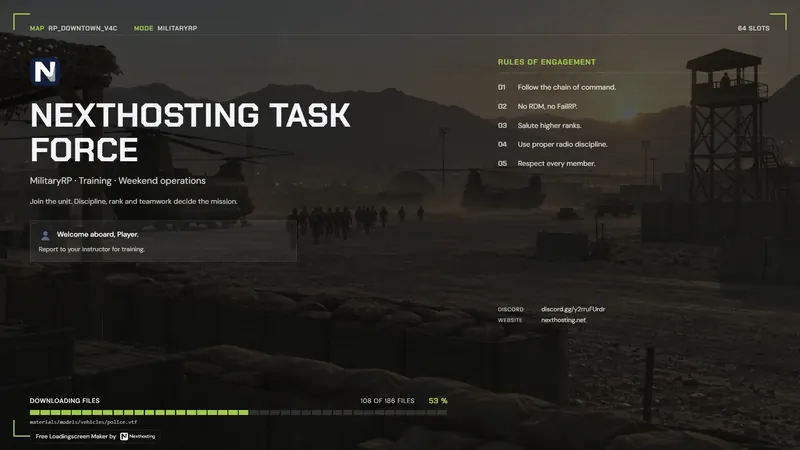
Loading screens by gamemode
Go to the loading screen generator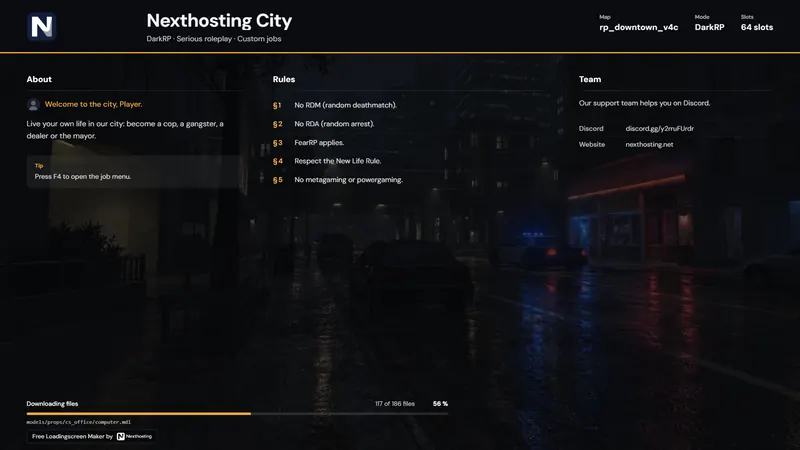
Your server, your first impression
The loading screen is the first thing new players see of your server. Make it something that looks like you.
A free customer account is all you need. No web space, no code, no payment details.